Have Hermes Agent draw numbered marks on your Mac window
What it does
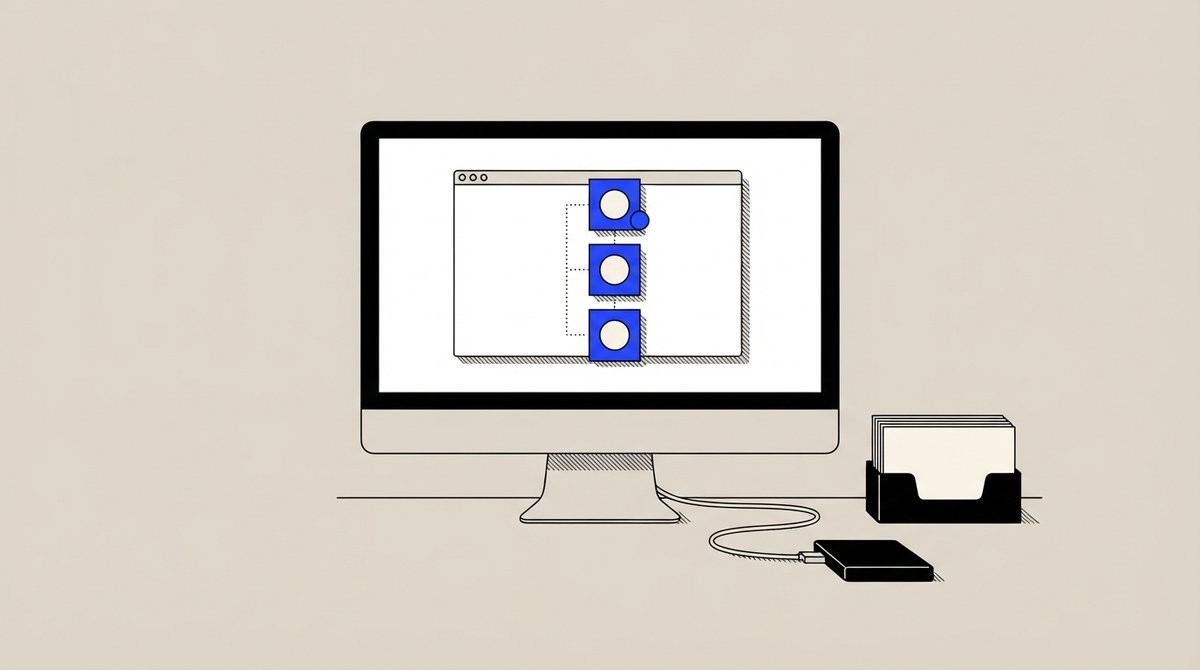
HUD Teach 0.2.0 has Hermes draw numbered marks on the real Mac window you are using, with a step card showing ticks and a pulsing current step. The marks stay up after the reply.
The overlay is click-through, so the app under the marks still gets your mouse. Examples include Chess, Photoshop, System Settings and a DAW.
Why it's worth it
Hermes draws numbered marks on the real Mac window you are using, and they stay up after the reply.
Step by step
Paste it into Hermes Agent and swap the highlighted parts for your own details.
Prompt
Before you start Set up HUD Teach 0.2.0 with the /teach check command.
Get Hermes Agent to:
- Test the setup with /teach demo so I can see the numbered marks and step card appear on my screen.
- Using HUD Teach, show me how to [specific task like 'change my wallpaper'] in [a Mac app like System Settings], drawing numbered marks on my real window and displaying the step card.
- Tell me if the marks appeared correctly on my screen and whether I need to adjust anything for this approach to work in my workflow.
Expected resultNumbered marks stay up on your Mac window after the reply, with a step card showing the current step.
Share