Have Hermes Agent generate 3D models from text prompts or photos
What it does
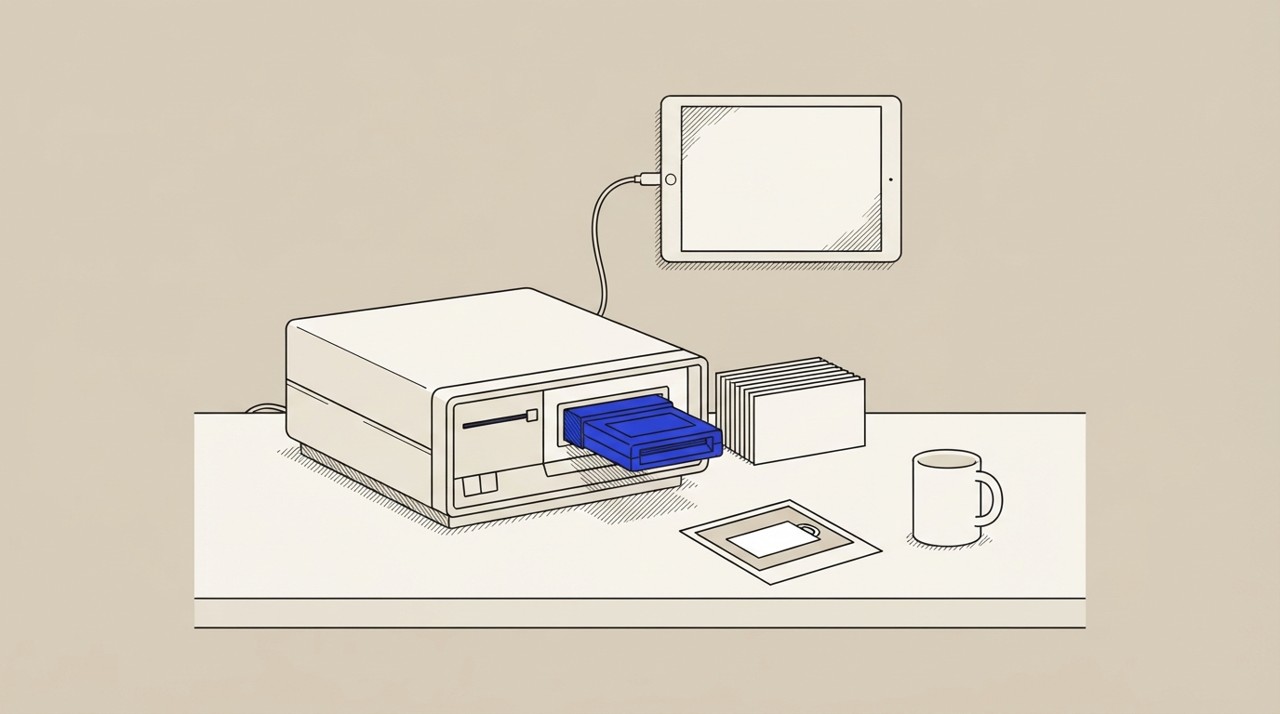
Hermes Agent generates 3D models from text descriptions or photos using Meshy, an AI service accessed via an official plugin. In Hermes Desktop, finished models display inline in chat with a gallery storing each model and prompt.
You can also upload a photo of a physical object to turn it into a 3D file ready for games, animation, or printing.
Why it's worth it
Creating 3D models normally requires specialised software and modelling skills; this automates it from a plain text request. It saves time for game developers, 3D-printing projects, animation work, prototyping, or anyone needing quick 3D assets without learning dedicated modelling tools.
Step by step
Paste it into Hermes Agent and swap the highlighted parts for your own details.
Before you start Have the Meshy plugin enabled for Hermes Agent.
Get Hermes Agent to:
- Describe the 3D model, including style like [low-poly] and intended use like [for game development] or [for 3D printing].
- Generate the model from your description, or to model an object from a reference photo if you have one.
Expected resultGet a 3D model displayed in chat and stored in a gallery, ready to download for game development, animation, or 3D printing