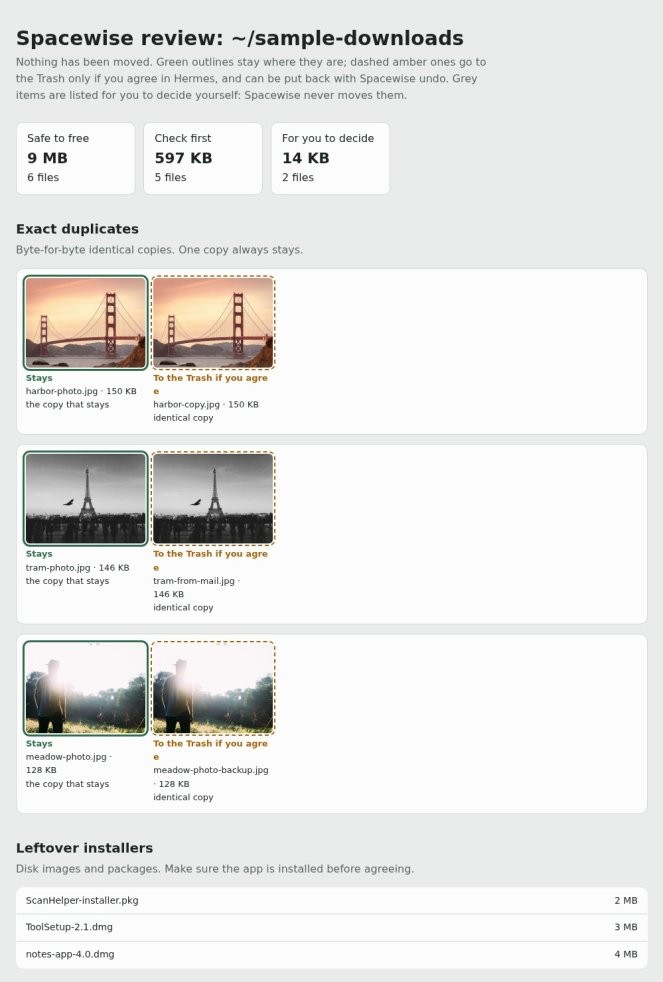
Before you start A page Hermes Agent made, open in Hermes Desktop's built-in browser.
Get Hermes Agent to:
- Wait while I mark each element on the page open in the built-in browser, and do nothing until I hit Add comments.
- Take a screenshot of each element I clicked and pair it with the note I typed on it.
- Make a list of every marked element showing its screenshot, my note and the file or component it most likely comes from.
- Work out the fix for each note, and check whether it would also change [other page or shared component].
- Show me the full list of planned fixes and wait for my go-ahead before changing [shared component] or deleting any content.
- Apply the approved fixes one at a time, and re-check each element in the built-in browser after it changes.
- Flag any note I left that you cannot fix from what you can see, and say what would settle it instead of guessing.
- Report back with each element, the fix made and a fresh screenshot of it after the change.