Set up custom firmware and ad-blocking on smart TV
What it does
Feed your smart TV's about page to Hermes Agent to identify the exact model and request compatible clean firmware alternatives. The agent guides you through enabling developer mode on your TV, loading a custom launcher to replace the ad-filled default interface, and configuring Pi-hole DNS rules to block the streaming service's advertisement and tracking domains.
This replaces the ad-cluttered boot experience with a clean direct-to-HDMI interface.
Why it's worth it
Reclaims budget hardware from being unusable due to ads and tracking. Transforms an ad-heavy device into a clean appliance by removing the streaming service's advertising and tracking, without replacing the TV entirely.
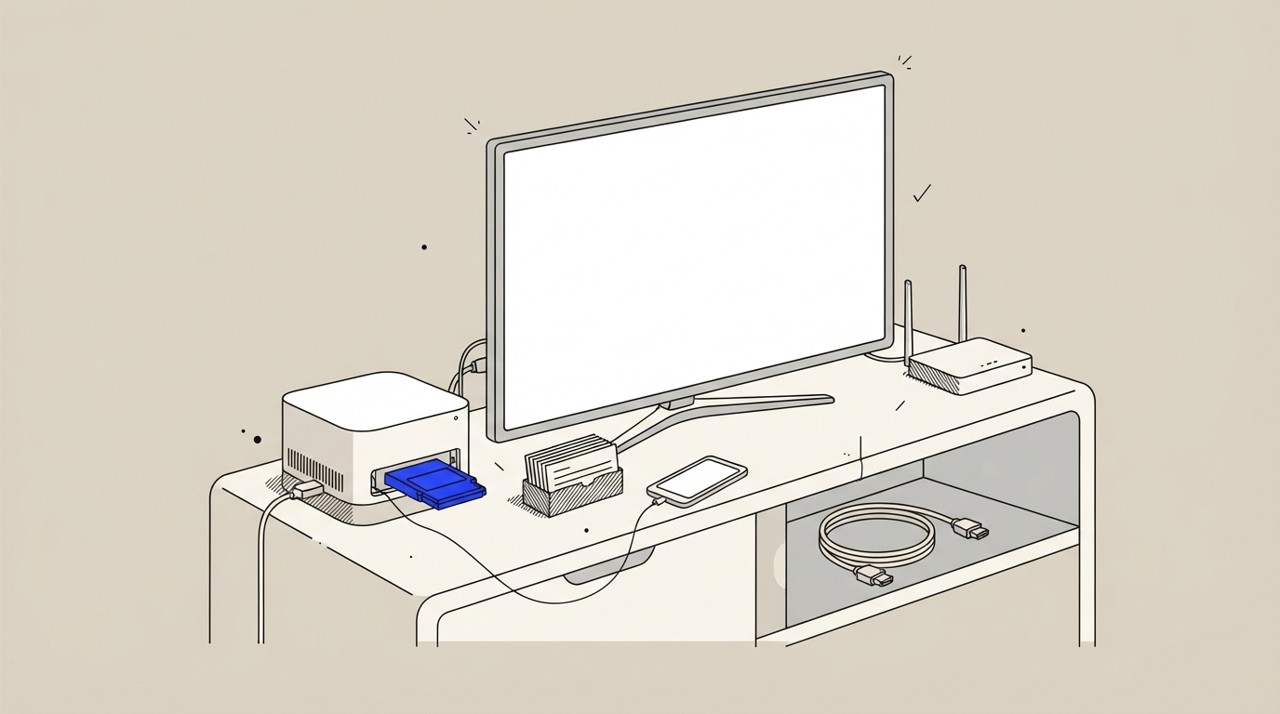
Step by step
Paste it into Hermes Agent and swap the highlighted parts for your own details.
Before you start Have your TV's model information (from the about page in settings) ready.
Get Hermes Agent to:
- Analyze [TV brand and model] specifications and recommend clean firmware sources and Pi-hole blocklists specific to my device.
- Guide me through enabling developer mode on [TV model], with the exact button sequences and menu paths for my specific TV.
- Provide detailed instructions for flashing the clean firmware or sideloading a custom launcher to [my TV brand and model].
- Provide the specific Pi-hole DNS blocklist rules to block the streaming service's advertisement and tracking servers (for example, Amazon for Fire TV).
- Review the full technical plan and confirm I have a backup method or rollback instructions before I proceed with the modifications.
- Help me verify the setup: confirm the firmware version installed, boot behavior, and whether [TV] now boots directly to HDMI without ads or tracking.
Expected resultYour smart TV boots directly to HDMI with a clean interface, free of ads and tracking.