Save notes to shared memory
What it does
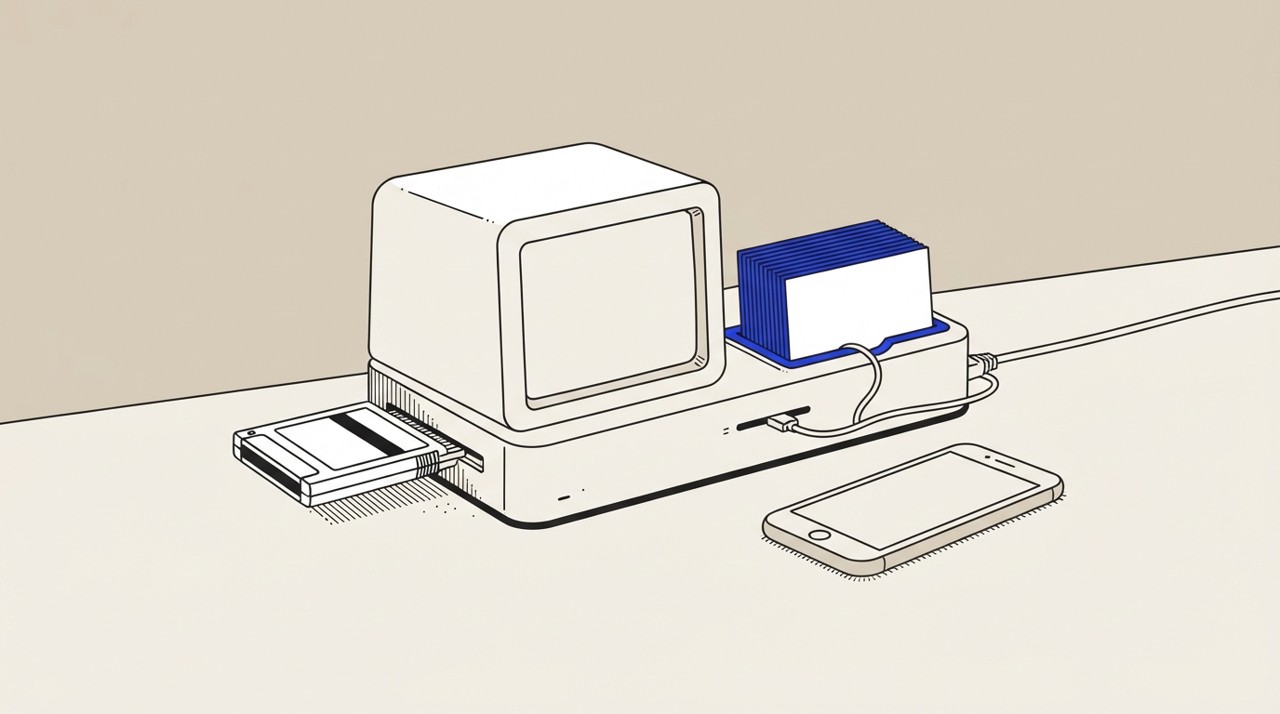
Hermes Agent can save notes you provide to its memory in your Obsidian Vault on your computer. Every chat is saved as a note locally so nothing leaves your device. When you start a new conversation, Hermes loads these saved notes and can reference them without you repeating the information.
Why it's worth it
Saves you from repeating context in every conversation and keeps important details permanently accessible. Builds continuity across chats so Hermes understands your situation without reminders. Pays off especially when you reference the same information repeatedly.
Step by step
Paste it into Hermes Agent and swap the highlighted parts for your own details.
Before you start Have Obsidian Vault set up and connected to Hermes Agent on your computer.
Get Hermes Agent to:
- Remember this: [paste the information or notes I want to keep].
- Show me what you'll save and confirm before storing.
- Reference this information in all our future conversations whenever it's relevant.
Expected resultYour notes are permanently saved in Obsidian and referenced by Hermes and other connected agents in future conversations