Push updates to multiple Hermes installations
What it does
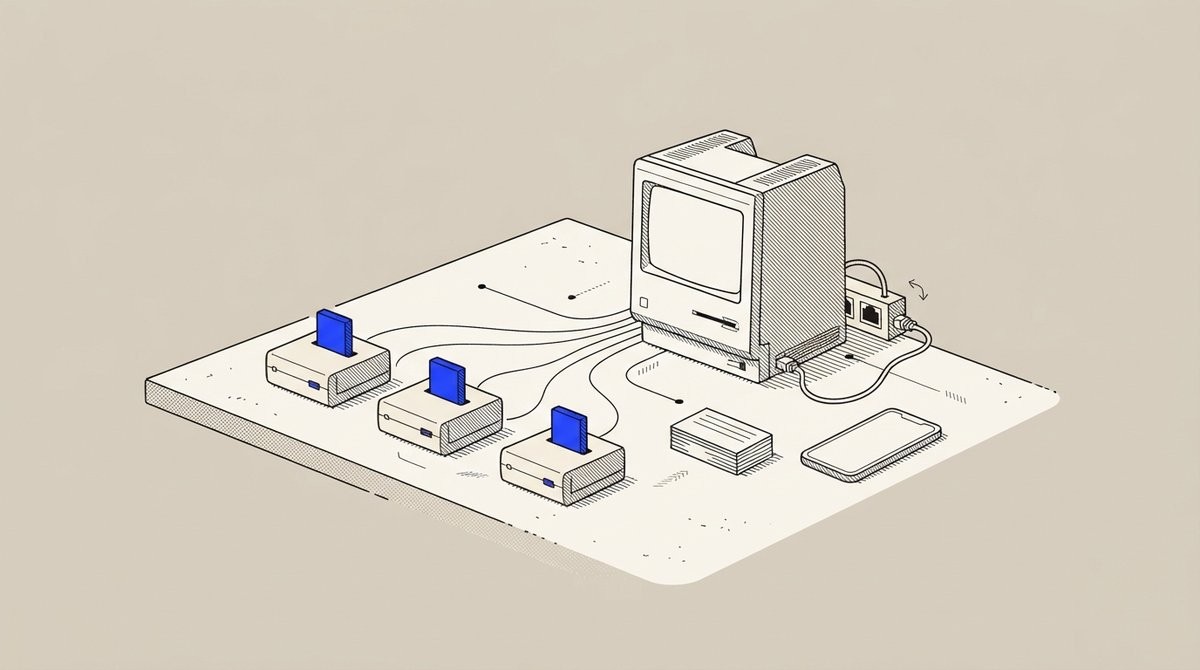
Hermes Agent manages multiple Hermes installations from one place using the fleet profile. You point Hermes Agent to your installations via SSH, and it can push updates to all of them simultaneously.
The fleet view shows what's running on each installation, and a single update operation deploys across your entire fleet. Your existing SSH configuration works directly, so no new setup is needed.
Why it's worth it
Managing Hermes installations across multiple servers normally means logging into each one separately for every update. Fleet management lets you push updates to all installations from one place in one operation, eliminating repetitive manual work.
Step by step
Paste it into Hermes Agent and swap the highlighted parts for your own details.
Before you start Multiple Hermes installations configured and accessible via SSH.
Get Hermes Agent to:
- List all my installations connected via SSH.
- Check the version currently running on each installation.
- Tell me what versions are available and which one to deploy.
- Confirm with me before pushing any update.
- Push the selected version to each installation.
Expected resultAll your Hermes installations running the latest update without manual SSH work on each server.