Give Hermes Agent a real desktop browser with phone approvals
What it does
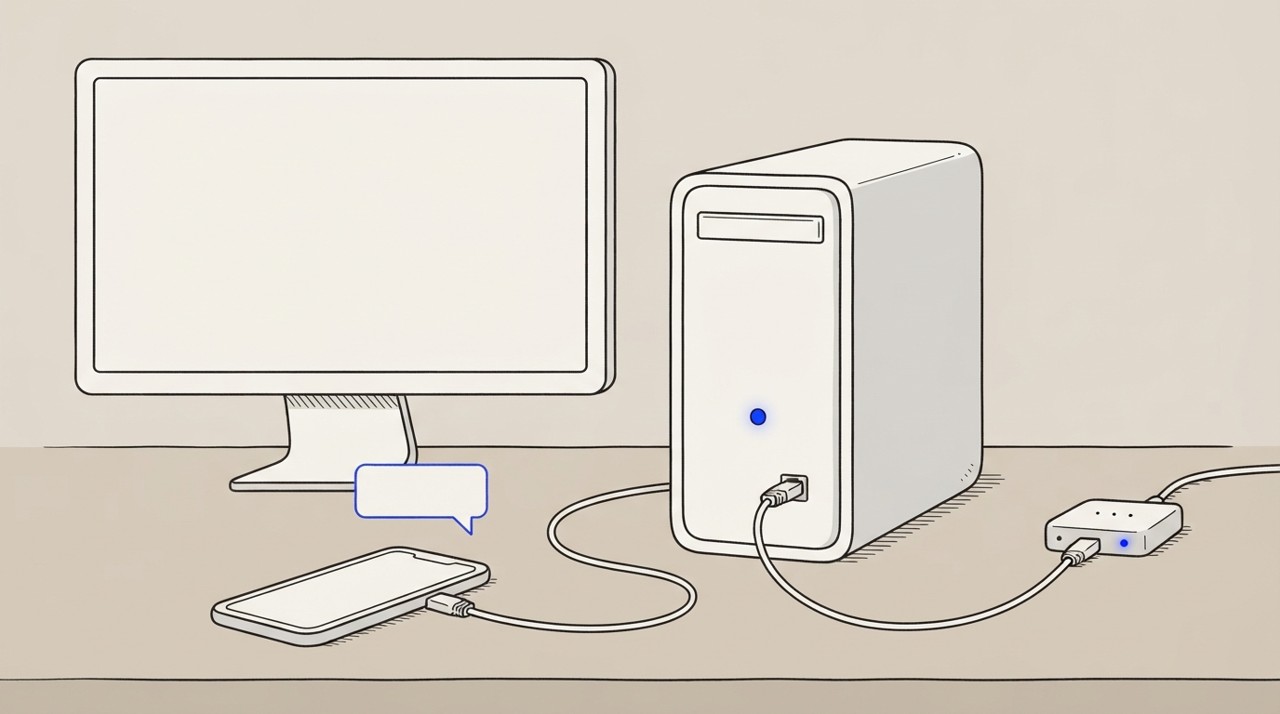
Wire Hermes Agent to control a real browser on your desktop via Tailscale, with approval notifications sent to your mobile phone. When you ask Hermes Agent to automate a web task like filling a form, checking an account, or navigating a site, it uses your actual browser to click and type, avoiding bot detection.
You approve sensitive actions from your phone without being tied to your desk.
Why it's worth it
Sites that block API calls or bot-like behaviour become accessible to Hermes Agent automation. Phone approvals mean you retain control whilst working away from your desk. You close the gap between manual work and fully automated web agents.
Step by step
Paste it into Hermes Agent and swap the highlighted parts for your own details.
Before you start Desktop browser running, Tailscale configured, your phone set as the approval destination in Hermes Agent settings.
Get Hermes Agent to:
- Check that my desktop browser is accessible over Tailscale at [my-machine.my-tailnet] and load a test page.
- Navigate to [website] and take a screenshot of the current state.
- Click [specific button or field] and fill it with [my information].
- Pause and wait for my approval message on my phone before continuing.
- Once I approve, complete the task by [action, e.g. submitting the form].
- Take a final screenshot and report back the specific [result or change].
- If you hit a blocker (such as a CAPTCHA), stop and ask me for the next step.
Expected resultHermes Agent can now click, fill and navigate your real browser with phone-based approvals for sensitive actions.