Give Hermes Agent a real browser on your desk with phone approvals
What it does
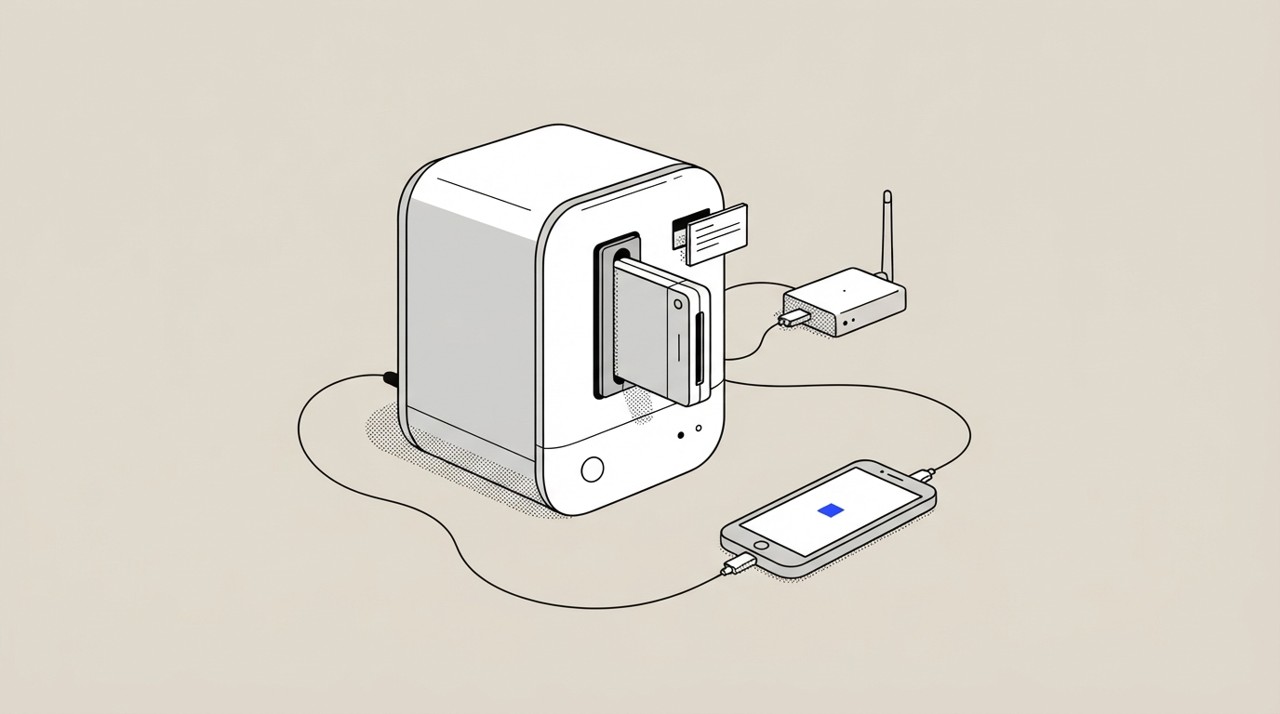
Hermes Agent gains the ability to control a real browser on your computer, connected securely over Tailscale. When Hermes needs to perform a browser action, it sends an approval request to your phone, where you confirm before it proceeds.
This gives you remote automation of complex, browser-based tasks while maintaining direct oversight of each action. The browser runs on your desk and stays under your control.
Why it's worth it
Complex automation often requires a real browser that can handle authentication, dynamic content, and interactions that simple APIs cannot. By adding phone approval gates, you get powerful automation without sacrificing security or control.
This setup pays off whenever you need to automate repetitive browsing work without being at your desk.
Step by step
Paste it into Hermes Agent and swap the highlighted parts for your own details.
Before you start A Tailscale-connected computer with a browser ready to use.
Get Hermes Agent to:
- Connect to my real browser on my Tailscale network at [my IP address or hostname].
- Complete [the task: check a page, fill a form, extract data, log into an account, etc.].
- Before modifying [critical accounts, payments, records, or sensitive data], send me an approval request to [my phone, email, or Slack] with details.
- Wait for my approval before proceeding with that action.
- Report back with exactly what you did and what result you got.
- If you hit [a login screen, identity verification, or unexpected input], ask me first on [my phone] rather than guessing.
Expected resultBrowser automation tasks that normally require you at your desk can now run remotely under phone-based approval.